

Order by PunchOut
The process of placing an order through PunchOut is similar to placing an order through order guide. The difference is that when selecting a PunchOut enabled order guide, you will be directed to the supplier’s web page and then re-directed back to EPRO to confirm the order. Supplier PunchOuts have different steps to follow when selecting items on their website.
To place an order through Punch Out:
-
Go to View > Purchasing > Order Guides.
-
If you have access to more than one location, select the location you are placing an order for.
-
Select the Punch Out order guide for the corresponding supplier you wish to place an order to.
-
A new browser tab will open up with the Supplier’s website.
-
Search for your items and enter the quantities needed.
-
Select Check Out > you will be redirected to the EPRO system > Confirm your order > Submit.
-
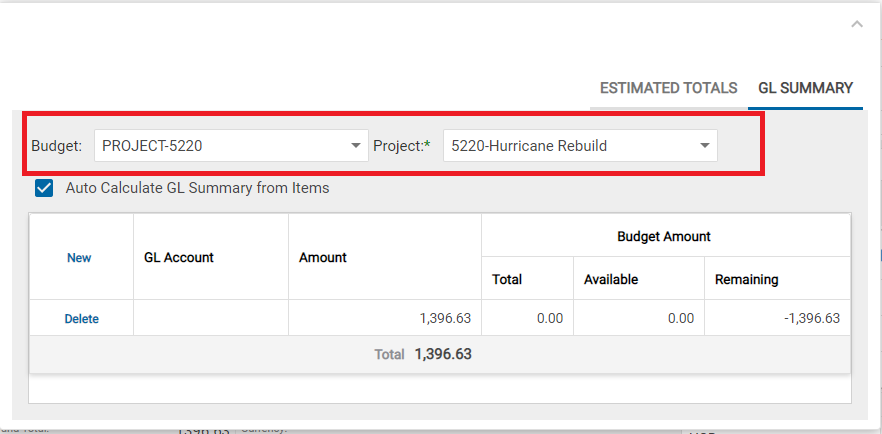
Note: For CapEx orders, when placing an order through punch-out once you are in the review screen you must select a Budget and Project in order to complete the transaction.
-
Note: Tax information will not be included in the EPRO PO page for punchout orders. This is expected. The tax information will be updated when the invoice is attached to the PO.
-
Important
If Punch Out does not return you to EPRO, your order has not been completely placed and may require approval or further effort on your part.