

When you have already submitted an order and need to add an item, follow the steps below.
-
Select View > Receiving.
-
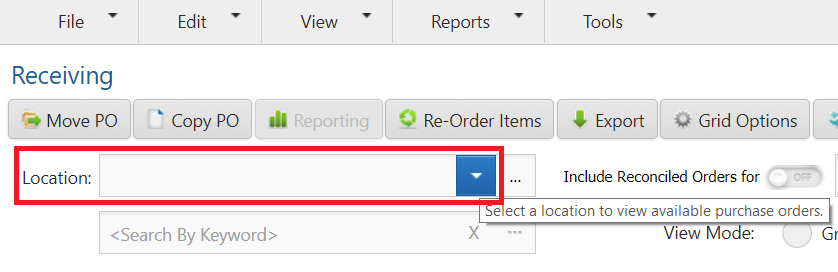
Select a Location if assigned to more than one.
-
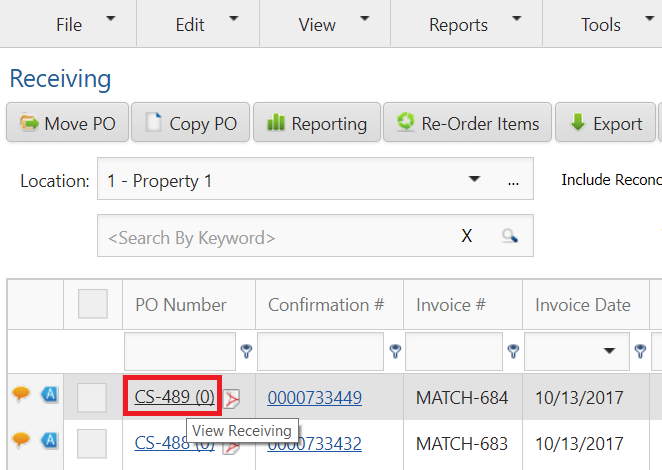
Click on the Include Reconciled Orders toggle and search for any previously received purchase orders. click the PO Number hyperlink.
-
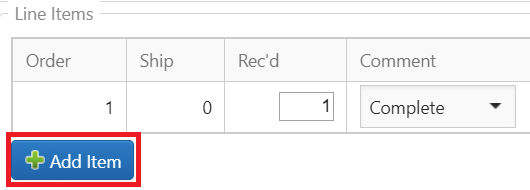
Click Add Item, located at the bottom of the line items list.
-
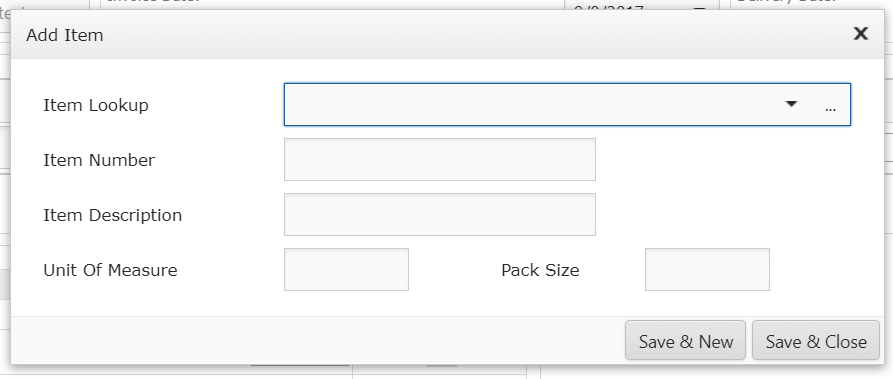
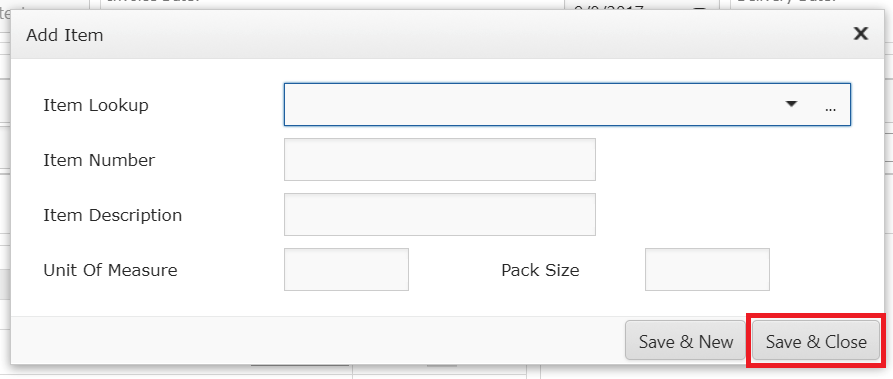
Search for the item using the Item Lookup drop down.
-
Click Save & New if you need to add multiple shipped items.
-
Click Save & Close when finished.
Note
A shipped item can only be added to the invoice when it is approved and available in the vendor’s catalog.