Rate items you purchase while Receiving your order in the system. Follow the same steps you would when Receiving an order:
-
Select View > Receiving.
-
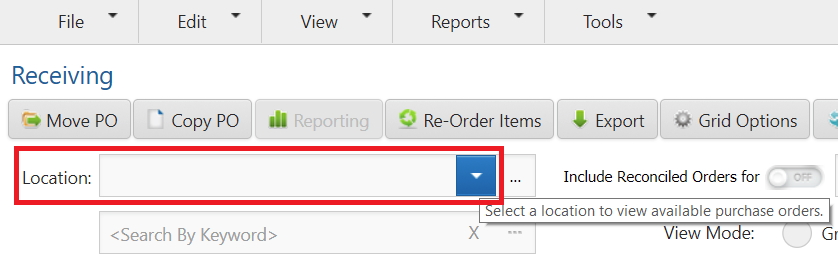
Select a Location if assigned to more than one.
-
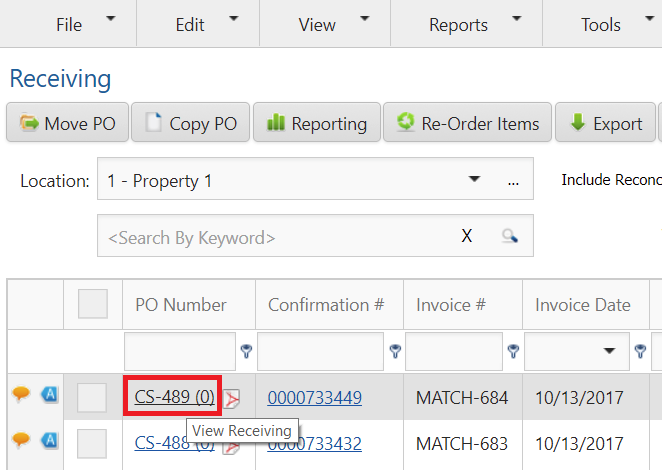
Search for the purchase order > click the PO Number hyperlink.
-
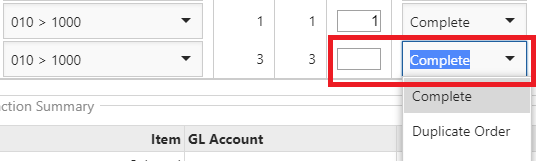
Enter data in any fields that may be blank so they reflect the amounts invoiced when items were received.
-
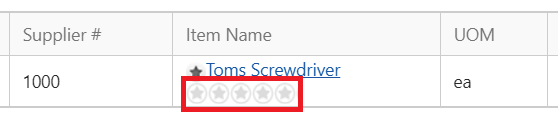
Under each item is a star rating system. Rate the item by clicking on the stars.
-
Click Submit.