If you locate an invoice and it is in the wrong location, you have the ability to move the order to the correct location.
-
Select View > Receiving.
-
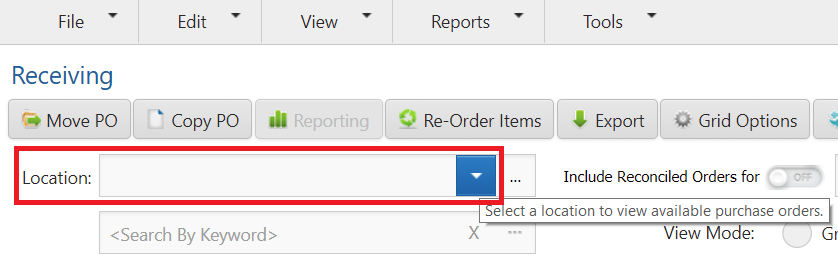
Select a Location if assigned to more than one.
-
Search for the purchase order.
-
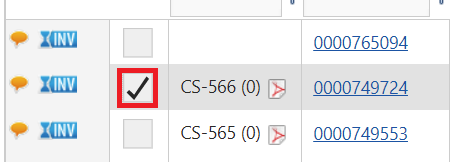
Select the check box next to the PO(s) you wish to move.
-
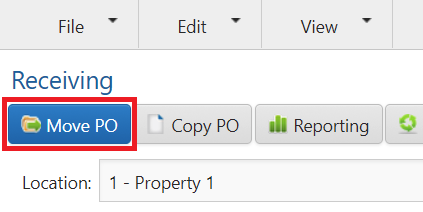
Select Move PO at the top of the grid.
-
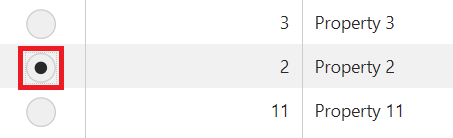
Select the location by clicking on the radio button, then click the Save button.