

After adding a user to a location, they will need to receive an email with their login information.
-
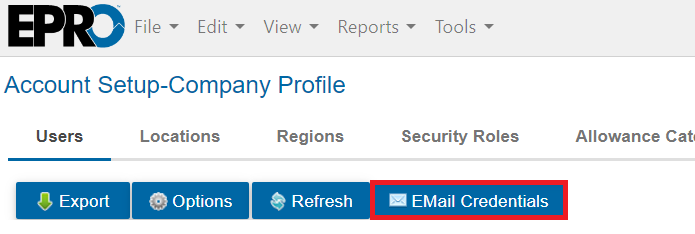
To do this, simply go to View > Account Setup > Company Profile > Users.
-
Search for the desired users via the column headers.
-
Check the boxes next to the users who need their login details sent.
-
Click Email Credentials.
-
Click OK on the pop-up.